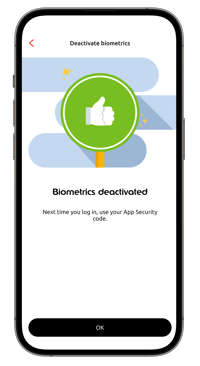
You can disable biometric identification through the Edenred application. See instructions below:
-
Log in to the Edenred app
-
Select your user account
-
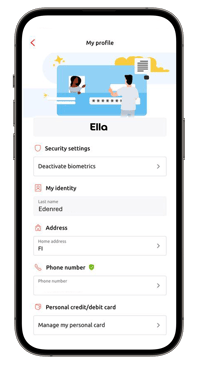
Choose Profile
-
Select Security settings: Disable Authentication
-
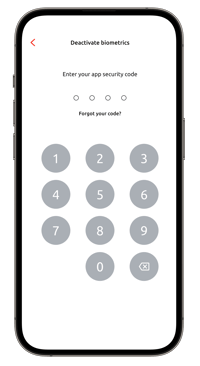
Enter your self-created Edenred app security code
- Biometric authentication is now disabled